
A family group text can grow into dozens of messages a day: medication questions beside ride schedules, appointment changes mixed in with “Did anyone check in?” If that sounds familiar, you may not need another all-purpose app. You may need one clear place for the specific job that's causing the most friction.
The best apps for caregivers handle different parts of that daily juggle, from medication reminders and family handoffs to coordinating practical help or staying connected at home. The right fit depends on who needs to use it, what information they need to share, and whether the older adult wants to participate directly.
Caregiving can involve a lot to coordinate. AARP and the National Alliance for Caregiving reported that about 63 million U.S. adults provided ongoing care to an adult or child with a medical condition or disability in 2025, and 70% of caregivers were employed. Digital tools are also becoming part of that work: the 2025 Caregiving in the U.S. study found that 41% of family caregivers used technology or software to track a care recipient's personal health records, up from 30% in 2020, according to the AARP caregiving report and the 2025 Caregiving in the U.S. study.
Table of Contents
- 1. Rx360 for connected wellness and independence
- 2. Caring Village for everyday family coordination
- 3. ianacare for turning offers into specific help
- 4. CaringBridge for sharing updates with a wide circle
- 5. Lotsa Helping Hands for coordinating community help
- 6. Medisafe for medication routines
- 7. Connected Caregiver for a care circle and optional devices
- 8. MyTherapy for medication and health tracking
- 9. ElliQ Connect for companionship and routines at home
- 10. Care.com for finding paid support
- How the top caregiver apps compare at a glance
- Putting the Right Apps to Work for Your Circle
1. Rx360 for connected wellness and independence
Rx360 is a wellness platform for independent older adults who want to keep their everyday routines while staying connected with trusted supporters. Its ecosystem brings together Health Insights, Smart Technology, and Connected Care, giving older adults, loved ones, and healthcare providers a way to stay part of the same support circle.
That makes it a possible fit when the priority isn't just assigning chores, but keeping selected wellness information and updates visible to the people an older adult chooses. Rx360's Family Connection feature is designed to keep loved ones close when they're far away. The platform emphasizes discreet support and an intuitive experience, rather than technology that takes over someone's independent routines.
The older adult's choices matter. If a medication taker opts in to Support Circle Sharing, their Customer Data is shared with designated caregivers or loved ones. The pilot services include Medication Dashboards, Medication Reminders, Support Circle Sharing, Location Tracking, and Fall Tracking. These are informational wellness tools, not medical devices, and SMS notifications aren't a life-safety or emergency notification system.
Worth discussing together: Decide what information the older adult wants to share, with whom, and what kinds of updates would actually be useful.
Rx360 may suit older adults aging in place, family caregivers, clinicians, and care teams looking for a connected approach to support. Its website doesn't specify general subscription or hardware costs, detailed feature specifications, customer reviews, or clinical outcomes. Learn more about Rx360's connected wellness platform.

2. Caring Village for everyday family coordination
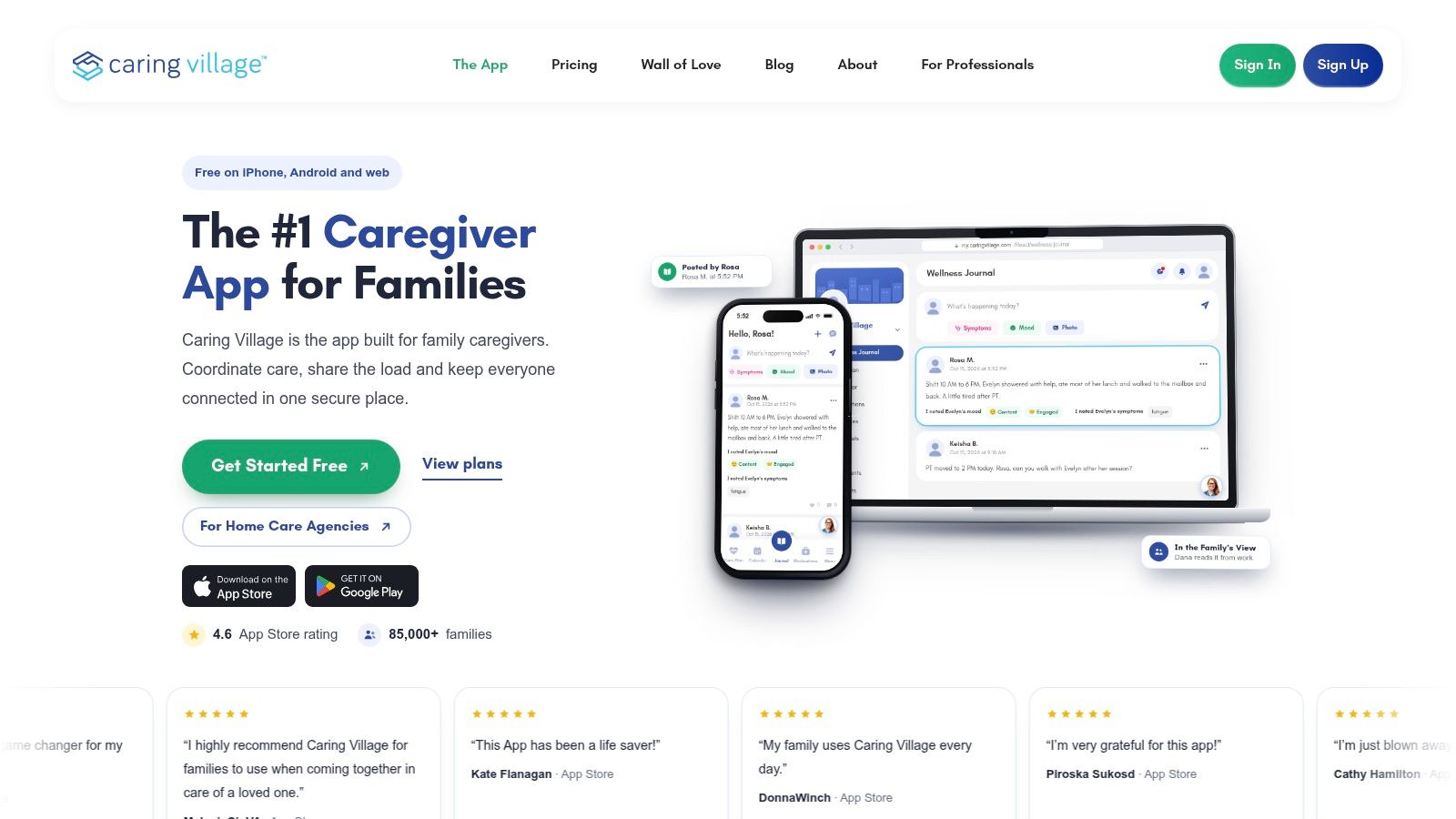
When family care details are scattered across group texts, Caring Village gives relatives a shared place to check plans. Its tools include a calendar, task list, care plans, medication information, messages, check-ins, and document storage. That common record can make it easier to find updates without searching through old conversations.
For example, one relative might arrange appointments while another handles rides. A shared calendar and task list let both see what has been planned and who is responsible. Families can invite friends and care professionals, and members can use the web version instead of installing the phone app. Caring Village is available on iPhone and Android, as well as the web.
The free plan has limits, and some features, including care plans, document folders, and external calendar integration, may require a paid plan. Check the Caring Village plan details to see which options are included. App Store listings say the developer hasn't specified accessibility features, so families who rely on particular settings may want to check whether the app works for them.
For a wider view of how families can organize support, read this guide to elderly care management. Caring Village can serve as a coordination hub, while the plan details help clarify whether it fits the household's needs.
3. ianacare for turning offers into specific help
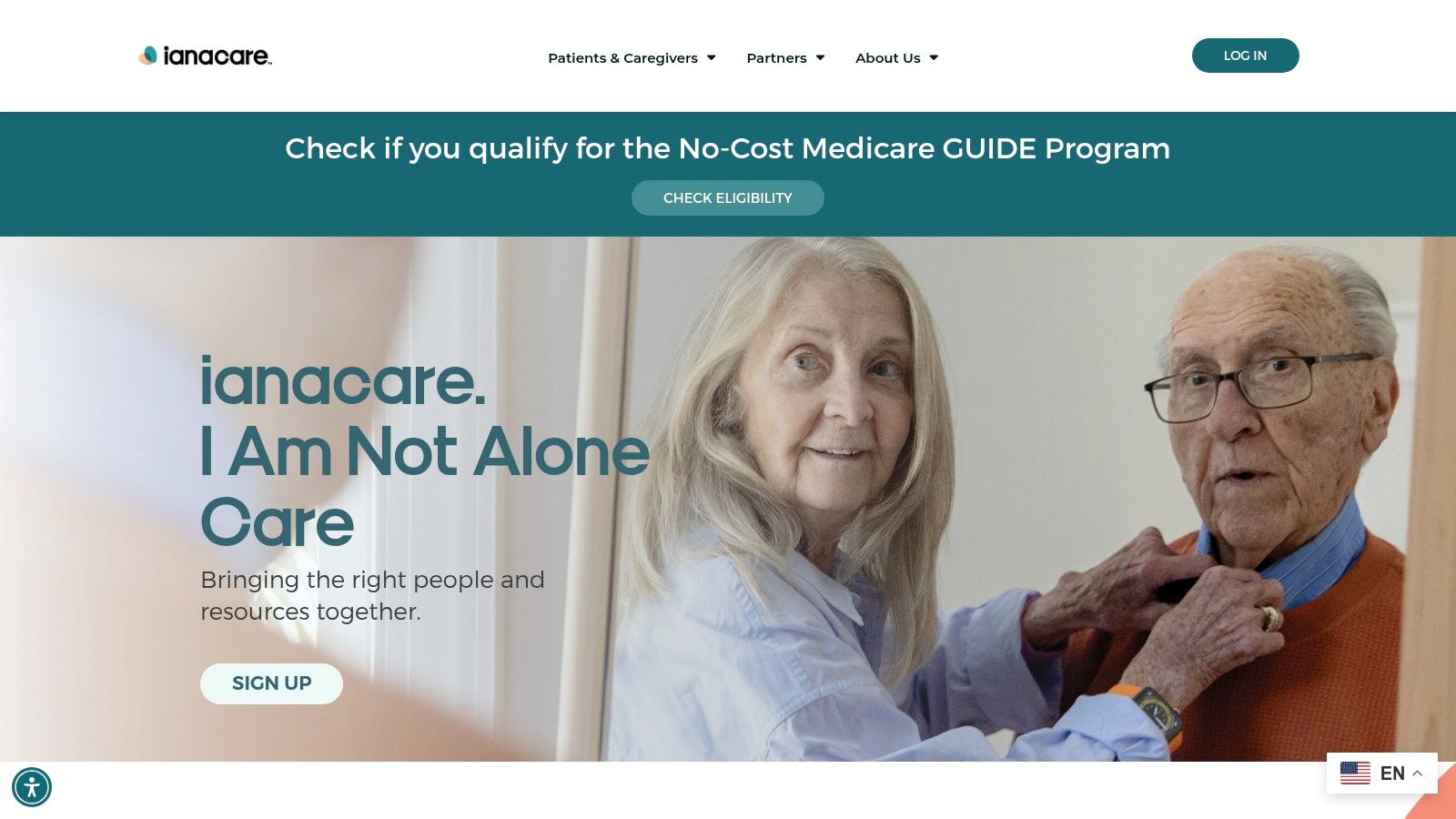
“Let me know if you need anything” is kind, but it can leave a busy caregiver working out what to ask for. ianacare gives a support team a place to post and respond to specific requests, such as providing a ride, bringing a meal, or covering a care shift.
Its organizer includes a shared calendar for appointments and other plans, requests and offers of help, shared care information, and quick logs for notes, symptoms, or mood. The core organizer is free for families and invited supporters. Depending on eligibility, users may also have access to a trained care navigator or additional support through an employer, health plan, or Medicare GUIDE program.
That human-support component is an important distinction from an organizer that only stores schedules and notes. But availability isn't the same for every user, and navigation or PLUS services aren't automatically included. ianacare may also be less suited to detailed medication-dose administration records than an app built specifically around medication routines.
The platform includes AI-generated guidance, which is informational and shouldn't replace advice from a clinician. For a household that mainly wants to make it easier to ask friends and relatives for concrete help, its shared requests and offers are the central draw. See ianacare's caregiver organizer.
4. CaringBridge for sharing updates with a wide circle
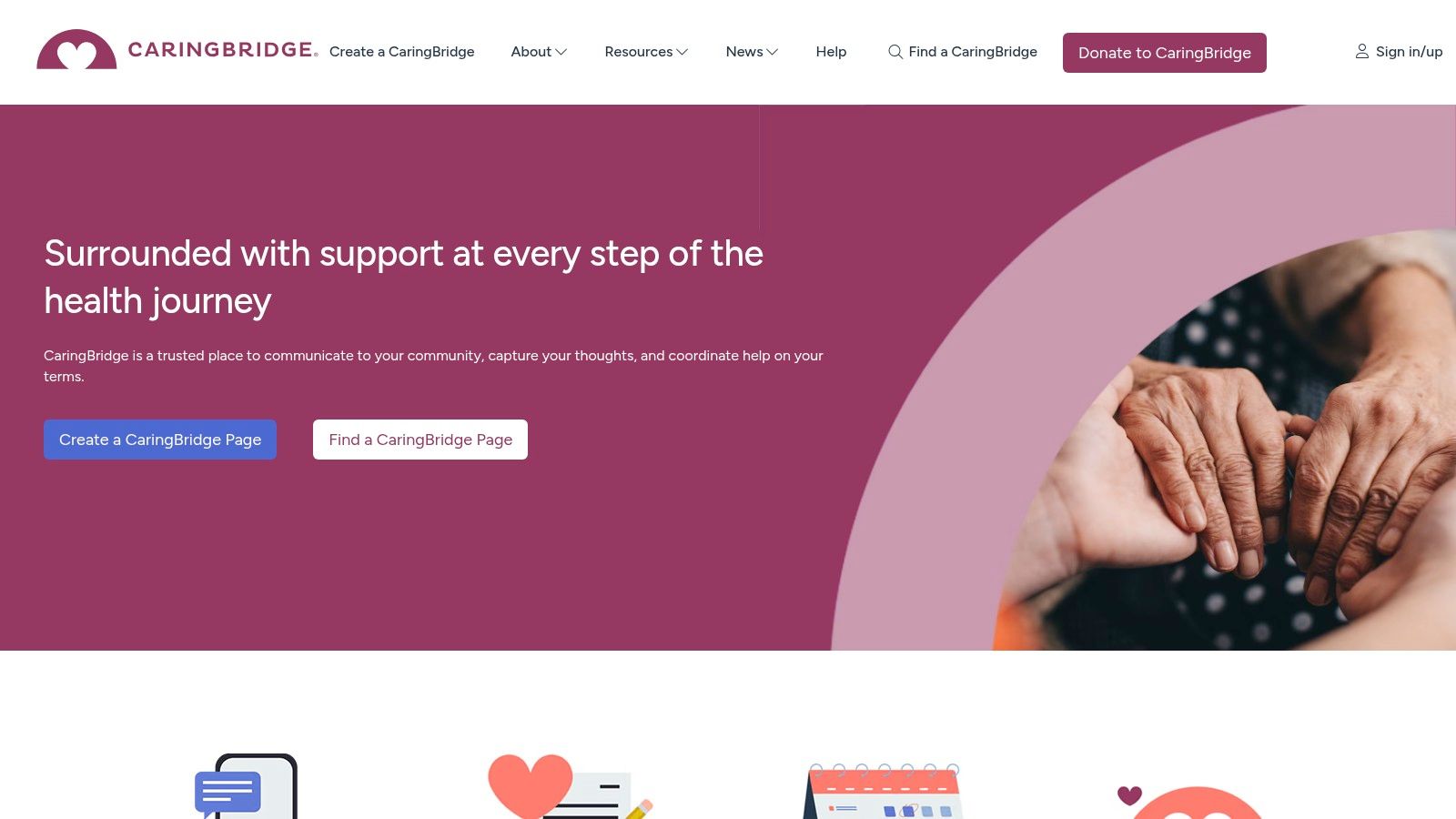
Sometimes the main challenge isn't assigning tomorrow's tasks. It's keeping a large circle of family and friends updated without repeating the same news in calls and texts. CaringBridge, a nonprofit platform, centers on health updates and messages of support.
A patient or caregiver can share journal-style updates with invited readers, who can respond with comments or encouragement. The platform also lets users communicate with a group at once, and it's available through a website and mobile app. CaringBridge describes its service as no-cost, private, and ad-free.
The format is designed for keeping people informed through a health journey, rather than managing the fine details of daily care. A journal post can be helpful for a substantial update, while a family that needs to record each medication or assign a ride may still want a separate tracker or calendar.
CaringBridge also offers options to invite multiple people to post updates. That can help distribute the communication work, though families should agree on who will write and what they want to share. Visit CaringBridge to see whether its update-focused approach fits your circle.
5. Lotsa Helping Hands for coordinating community help
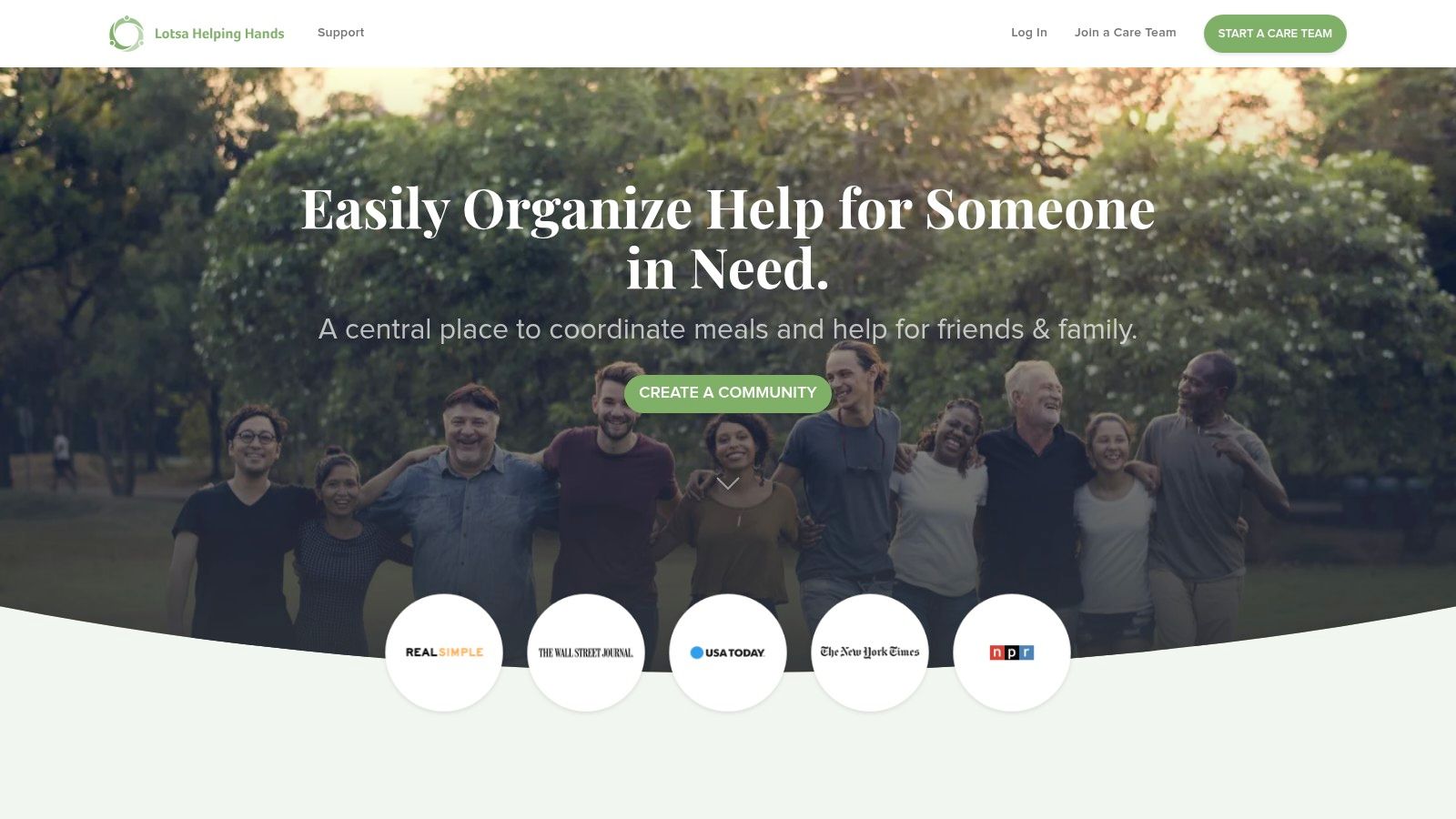
Lotsa Helping Hands is built around practical support from family, friends, neighbors, and other volunteers. A caregiver can post a need, such as a meal, ride, or visit, and supporters can sign up for a task. It also offers group updates and well-wishes, along with a mobile app for coordinating on the go.
The difference between a general offer and a scheduled commitment can be useful. Instead of tracking who might be available in separate conversations, supporters can see a task and claim it. The service is listed as free on its official site.
Lotsa Helping Hands isn't primarily a clinical record or medication-management system. It works best when the people in the support circle are willing to join and respond to requests. Its App Store listing reviewed for this comparison had a 2.7 rating from 52 ratings, which is a snapshot of that listing rather than a guarantee of how any particular household will experience the service.
Use it for organizing help, not as a substitute for a care log or medication tracker. Explore Lotsa Helping Hands if coordinating meals, rides, and visits is the task you most want to simplify.
6. Medisafe for medication routines
If medication reminders are the main job, a dedicated medication app can be more direct than a broad family organizer. Medisafe supports medication schedules and dose reminders, and users can designate a trusted “Medfriend” to receive a notification if a dose is missed.
The app also includes refill and appointment reminders, health-measurement tracking, progress reports that users can share with a doctor, and drug-interaction alerts. It's available on iOS and Android, and the official site lists a free app. Some premium features require a subscription.
Medisafe isn't a complete family coordination hub. It doesn't replace a shared calendar for rides, visits, and shifts, so a household may still need another tool for those handoffs. App Store privacy disclosures indicate that the app may collect certain user and usage data, which is worth reviewing before entering personal information.
A useful way to evaluate any medication app is to check whether its reminders and records match the way the person taking the medication wants to manage their routine. For more on the broader topic, see this overview of medication adherence monitoring. Find details about Medisafe's medication app.

7. Connected Caregiver for a care circle and optional devices
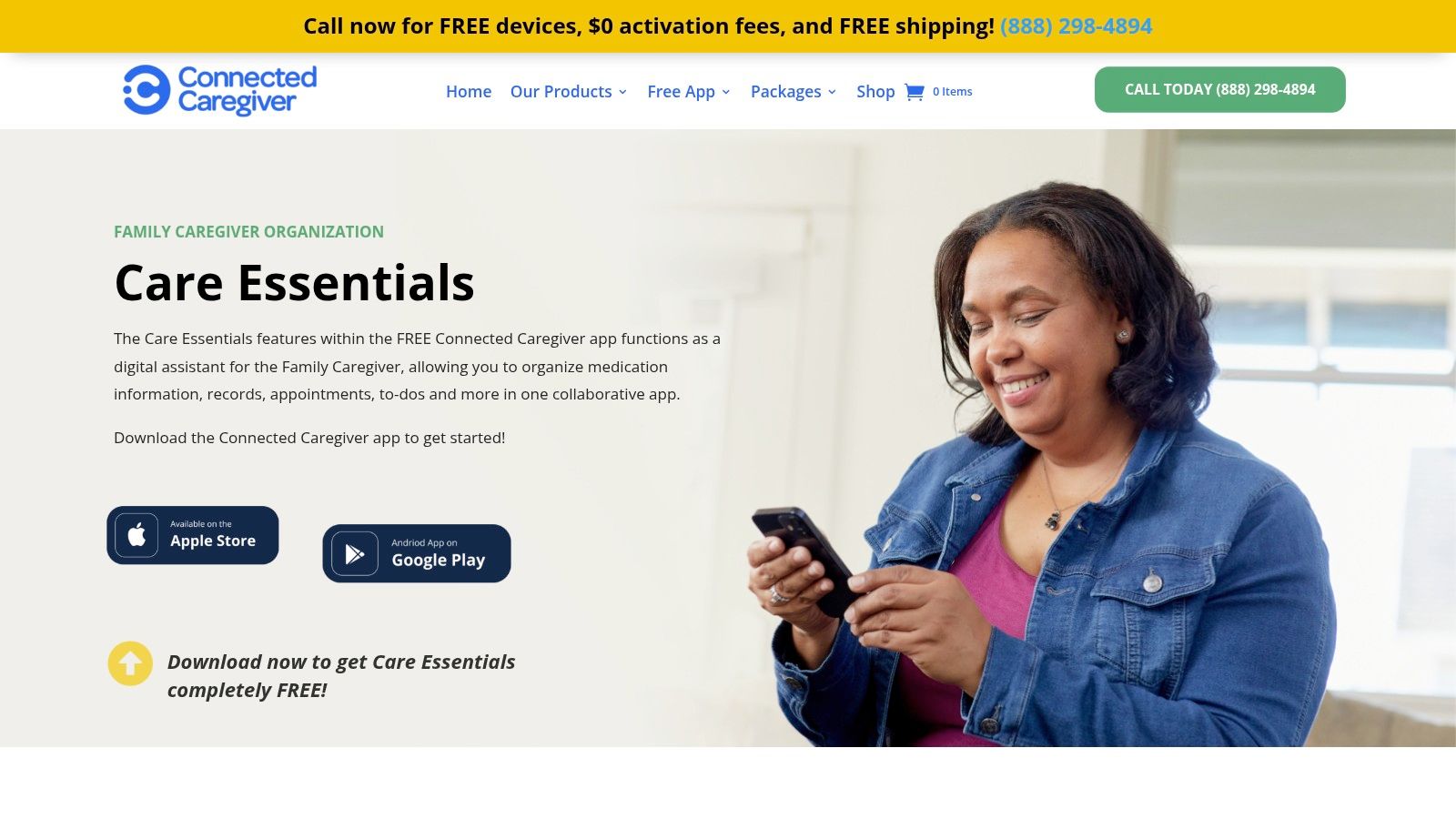
When a family needs to share care information, Connected Caregiver offers a care circle for organizing medications, appointments, documents, notes, vital information, and communication. Families can begin with the Care Essentials app, then choose whether to add connected devices or monitoring services. The app and service options are described by Connected Caregiver.
The distinction is the choice of add-ons. Optional services can provide medication reminders, remote readings, or a medical-alert device, while basic app features are free. Families can share information with one another and, where appropriate, with healthcare professionals. The range of connected-care options is also discussed in this overview of connected health solutions.
Some alerting and monitoring features depend on additional devices or services, so setup and ongoing costs may be higher than with a basic organizer. The company says its alerts do not provide medical conclusions or replace emergency services.
Before adding devices, agree on what information the family wants to receive and who will respond to alerts. That simple handoff plan helps clarify the role each tool plays.
8. MyTherapy for medication and health tracking
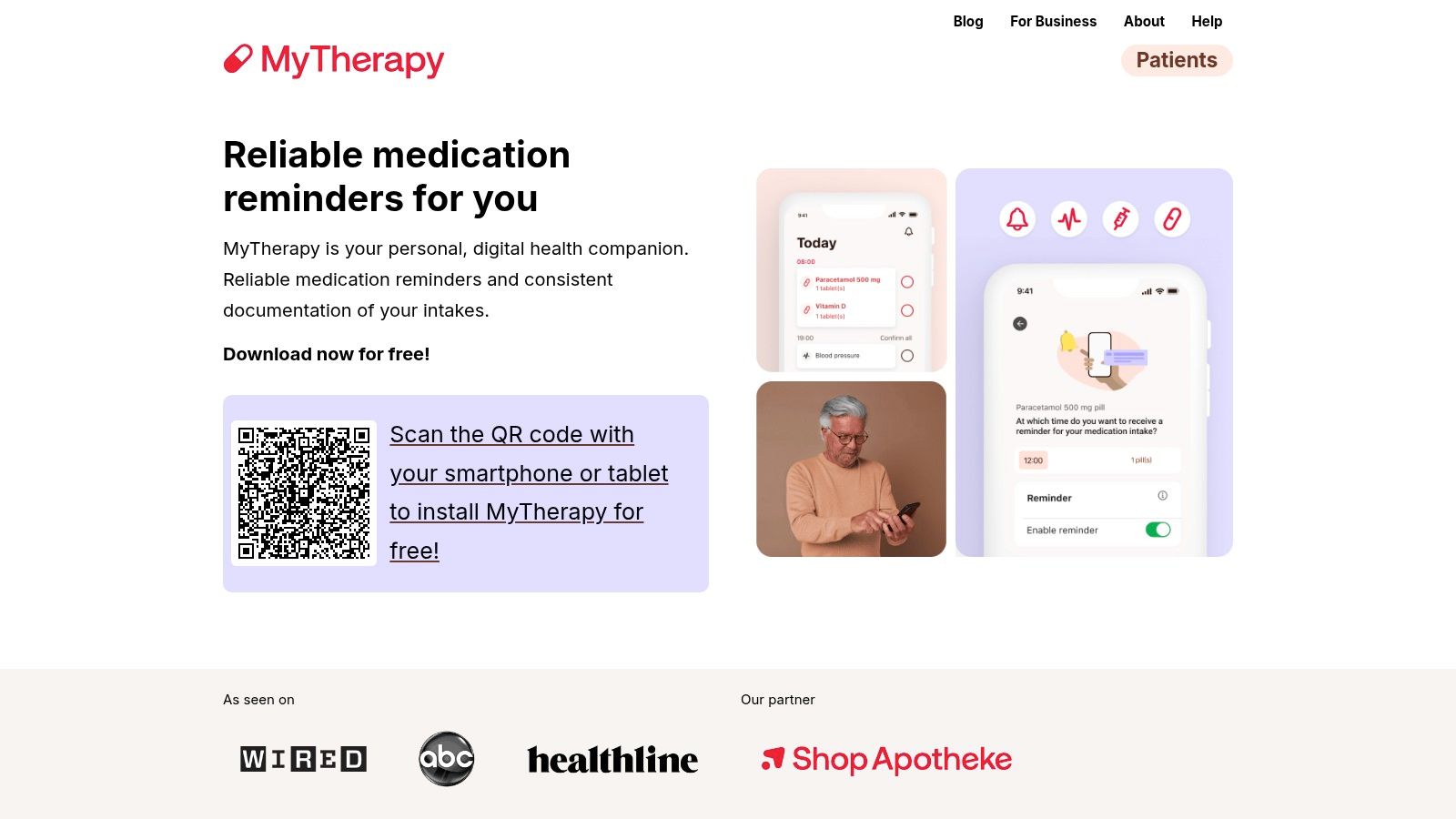
MyTherapy brings medication reminders together with a health diary, making it an option for someone who wants to keep medication routines and personal tracking in one place. Features include dose tracking, family profiles, symptom and pain diaries, measurement charts, health reports, and Apple Health integration.
Family profiles can help someone organize a loved one's routines as well as their own. The emphasis, though, is on an individual health-management record. It isn't principally a shared calendar or task-assignment tool for a whole care team, so it may not solve the problem of coordinating who is visiting or providing a ride.
The App Store listing reviewed for this comparison showed a 4.8 rating from 8,600 ratings. It also lists in-app purchases, so check the current terms before settling on it. If several relatives will use family profiles or shared information, take time to understand exactly how access works for your setup.
For someone who wants reminders and a record of measurements or symptoms, that combination may be a fit. For family scheduling, pair it with a separate coordination tool if needed. Read about MyTherapy's health-management app.
9. ElliQ Connect for companionship and routines at home
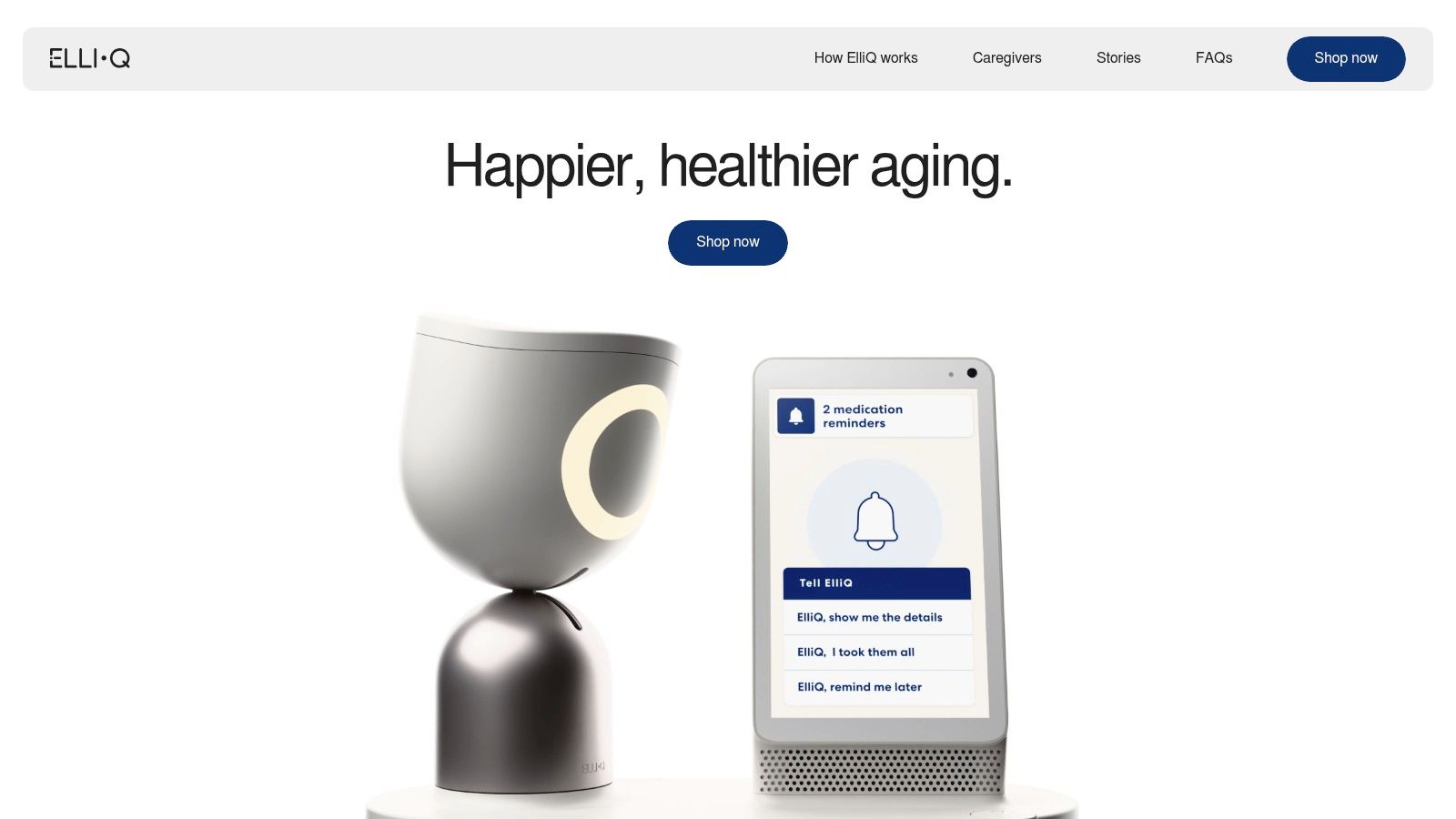
When an older adult lives alone or spends much of the day alone, a companion device may support connection and daily routines. ElliQ Connect is the caregiver app paired with the ElliQ device. Its focus is companionship and routine support, rather than scheduling tasks across a care team.
Family members can receive activity and reminder updates, suggest reminders or wellness goals, and follow progress. The older adult approves suggested reminders and goals, keeping them involved in the process. This may suit families looking to encourage engagement while leaving the person using ElliQ a say in their routine.
There is a practical trade-off: ElliQ Connect depends on the ElliQ device, so it cannot serve as a standalone organizer. A paid device membership is required, unlike a free phone app. ElliQ may not suit people with severe cognitive, speech, hearing, or vision impairments, so check suitability before buying a device.
For a household focused on companionship and routines at home, ElliQ may be worth considering. It is not designed for shared task lists or care-team handoffs. Read about how ElliQ works before deciding whether the device fits the person who would use it.
10. Care.com for finding paid support
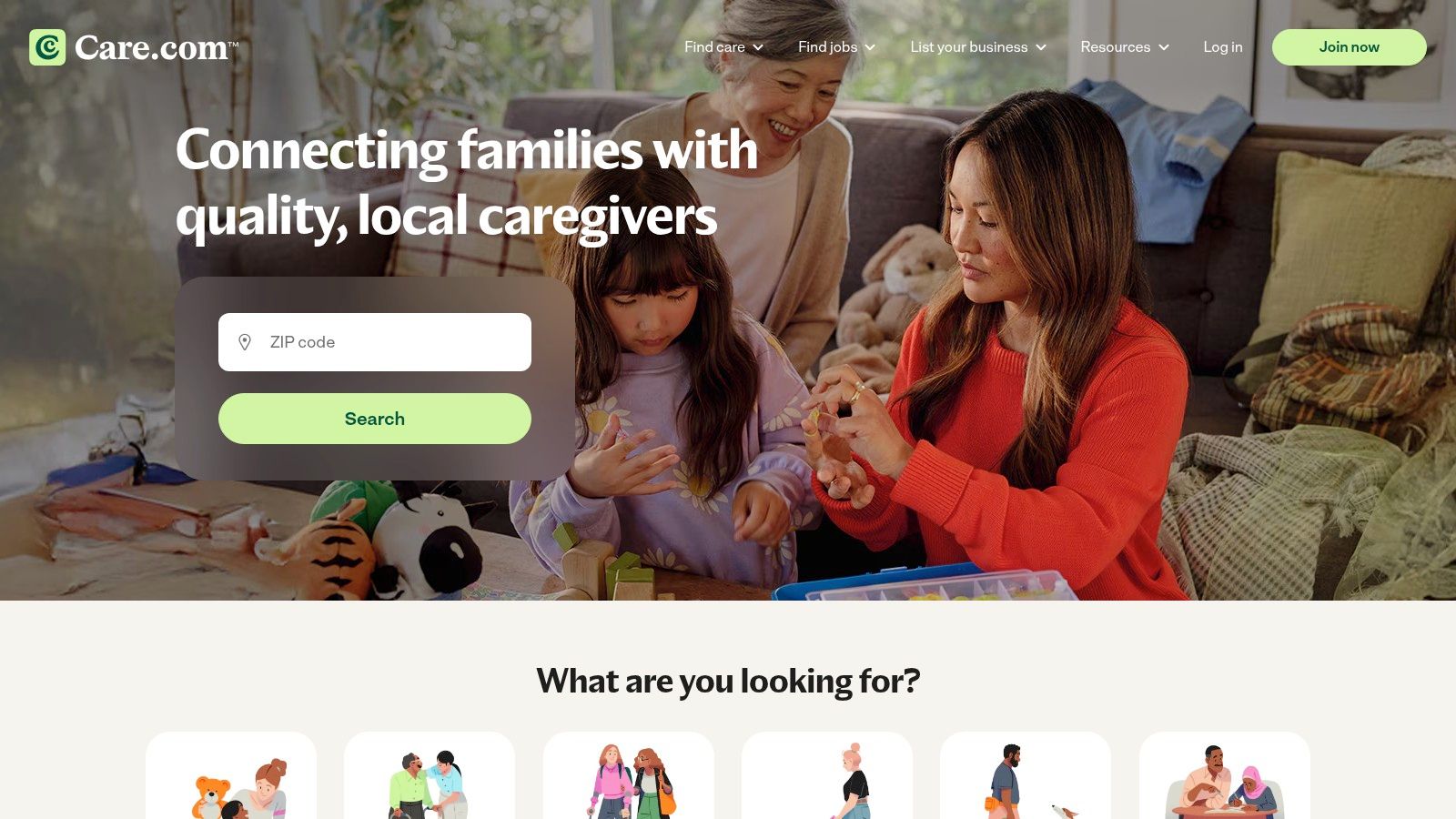
Care.com serves a different purpose from the other tools on this list. It's a marketplace for finding senior-care providers, rather than a shared calendar or daily care-management app. Families can search by location and care needs, browse profiles and reviews, post a job, and contact candidates.
That can be relevant when the gap isn't another place to store information, but a need for paid help at home. Search can be filtered by ZIP code, schedule, and type of care. A free guest account allows families to browse profiles and post a job, while contacting candidates and using some safety tools requires Premium membership.
Keep the separate costs in mind. Hiring costs aren't included in platform membership, and provider availability varies by location. Care.com also doesn't replace a shared family calendar, medication tracker, or daily care log, so it may work alongside rather than instead of a coordination app.
For families weighing paid support, the marketplace can help with the search step. Learn more about Care.com's senior-care services.
How the top caregiver apps compare at a glance
| Item | Starting price | Free plan | Best for |
|---|---|---|---|
| Rx360 | Pricing not specified | Plan availability not specified | Older adults aging in place and their care circles |
| Caring Village | Paid plan available; price not specified | Yes, limited to one village and two members | Families coordinating everyday care |
| ianacare | Free organizer; optional services vary | Yes | Families coordinating help, with navigation support for eligible users |
| CaringBridge | No cost | Yes | Sharing health updates with family and friends |
| Lotsa Helping Hands | Free | Yes | Organizing volunteer help, meals, rides, and visits |
| Medisafe | Free app; premium subscription available | Yes | Medication schedules, reminders, and dose tracking |
| Connected Caregiver | Free basic app; optional services may cost extra | Yes | Families coordinating care with optional connected devices |
| MyTherapy | In-app purchases; price not specified | Free app available | Medication reminders and personal health tracking |
| ElliQ Connect | Paid device membership; price not specified | No standalone free plan specified | Older adults seeking at-home companionship and routine support |
| Care.com | Free guest account; Premium pricing not specified | Yes, limited browsing and job posting | Finding paid senior-care providers |
Putting the Right Apps to Work for Your Circle
A family juggling medication reminders, rides, and updates may need several focused tools rather than one app for everything. Start with the task that repeats most often, then choose a tool for that job.
If relatives keep asking who is handling a ride, a shared calendar or task organizer such as Caring Village may help. When people offer assistance but no time is set, ianacare or Lotsa Helping Hands can turn an open-ended offer into a specific request. For family news and messages, CaringBridge provides a shared place to post updates.
Medication routines call for a different comparison. Medisafe focuses on medication schedules and reminders, while MyTherapy also tracks health information. Before choosing, consider who will enter the details, who can view them, and whether the person taking medication wants family involved. ElliQ Connect pairs with a companion device for at-home connection, while Care.com helps people find paid support. Rx360 is a wellness platform for independent older adults, with Health Insights, Smart Technology, and Connected Care. When a medication taker opts in to Support Circle Sharing, their Customer Data is shared with designated caregivers and/or loved ones.
Ease of use matters as much as the feature list. In a survey of 339 family caregivers, ease of use and integrating technology into the care context predicted overall satisfaction, according to the study of caregiving technology use. Try asking whether each person can find the schedule, understand an alert, and complete their part without extra steps.
Keep the older adult in the conversation: Agree on what gets shared, who receives updates, and which notifications can be turned off.
Try one tool for a couple of weeks before adding another. Check that it works on everyone's devices, what its free or paid plan includes, and how it handles privacy and sharing. The 2025 systematic review of digital health technologies for older adults identifies privacy, consent, autonomy, equity, and contextual effectiveness as recurring concerns. These are practical questions for any household: does the older adult understand and agree to the setup, and can they change what they share?
Many caregivers find the care system hard to manage. Choose tools that clarify handoffs and reduce repeated updates, rather than choosing by feature count alone. Start with one recurring difficulty, make the setup clear for everyone involved, and add another tool only if it addresses a separate need.
Rx360 brings together wellness insights, supportive technology, and trusted connections for independent older adults. If that approach fits your household, visit Rx360 to learn about the platform.
Lower-Risk Medication Plan Checklist
Below is a practical checklist and step plan you can implement into your daily life:
-
List all medications
Include prescriptions, over-the-counter drugs, supplements, sleep aids, creams, patches, eye drops, and inhalers.
-
Mark fall-risk drugs
Flag medicines that cause dizziness, sleepiness, confusion, blurred vision, low blood pressure, or low blood sugar.
-
Ask for a medication review
Bring the list to a pharmacist or prescriber.
-
Review after any warning sign
Request a new medication check after a fall, near-fall, new prescription, dose change, dizziness, or confusion.