
You're out in the garden on a Saturday morning, your phone's inside on the counter, and you want an easy way to reach help or let family know you're okay without changing how you live your day. That's the simple idea behind the best senior alert systems. They fit around walks, gardening, errands, visits with friends, and quiet time at home, so you can keep the routines that help you feel like yourself.
This roundup looks at seven options side by side, using each company's published details on setup, price, and features. You'll see where each one supports going out alone, staying comfortable at home, and keeping family in the loop, and also what it doesn't cover, like extra fees, wearability, or features that cost more. These services support daily life and don't replace emergency services or hands-on caregiver supervision.
Table of Contents
- 1. rx360 Homepage
- 2. Medical Guardian
- 3. Bay Alarm Medical
- 4. MobileHelp
- 5. Aloe Care Health
- 6. LifeFone
- 7. Lifeline
- How the seven senior alert systems compare on price, device formats, and fall detection
- Finding Your Fit Without Feeling Rushed
1. rx360 Homepage
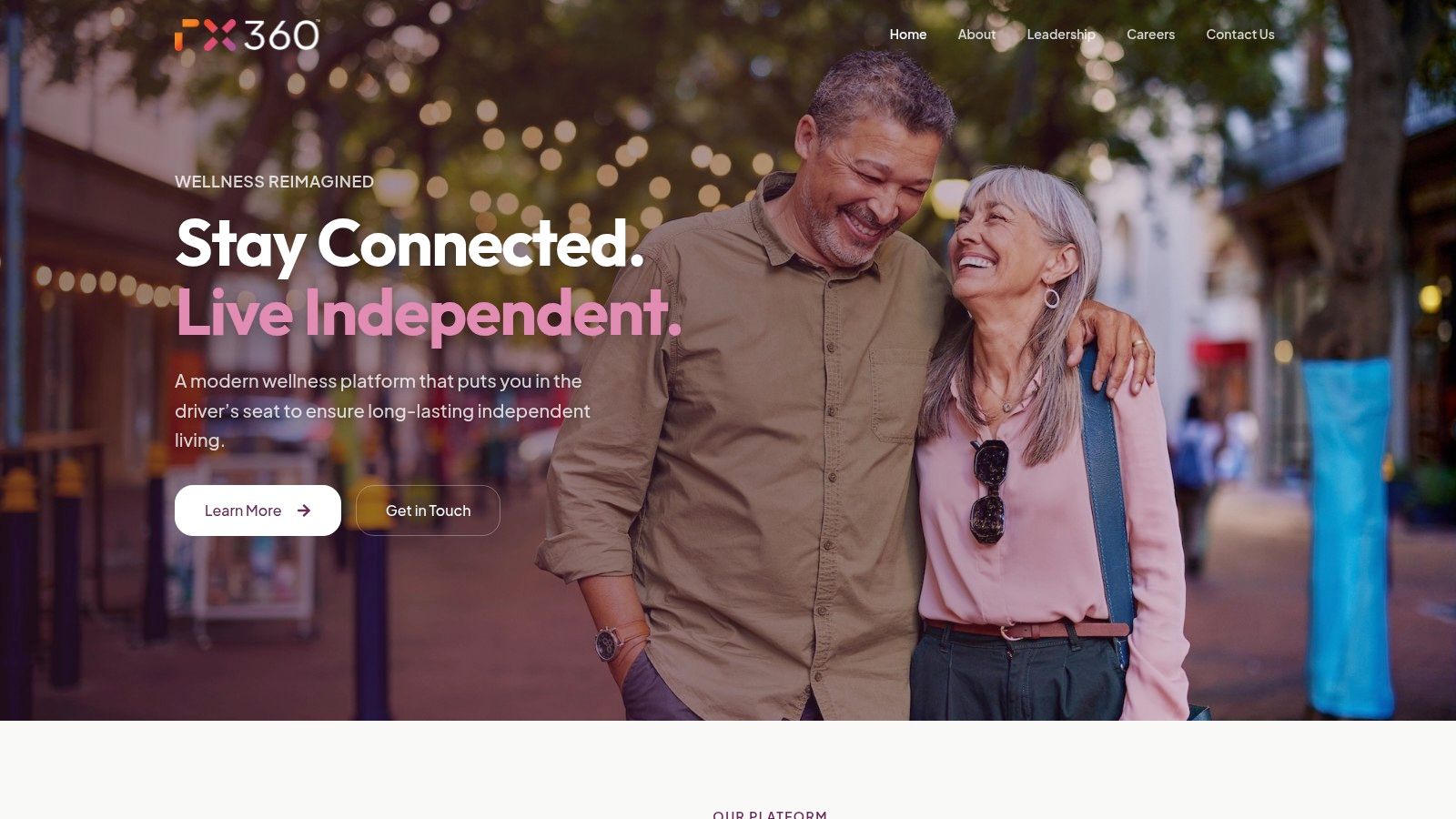
Staying in your own home can mean keeping familiar routines while making it easier for loved ones to stay connected. In AARP's 2024 Home and Community Preferences Survey, 75% of adults aged 50 and older wanted to stay in their current homes as they aged, and 64% anticipated installing a medical emergency response system that could notify others during an emergency. Those preferences highlight two different needs: support for independent living and a way to keep others informed.
Rx360 is a wellness platform for independent older adults, organized around Health Insights, Smart Technology, and Connected Care. It brings wellness information, supportive technology, and trusted connections together. Loved ones can receive updates, and healthcare providers can remain part of the conversation when information is shared with them.
How it supports independence
Rx360 is designed to fit around daily routines, with a simple, discreet experience. Its Pilot Services include Medication Dashboards, Medication Reminders, Support Circle Sharing, Location Tracking, and Fall Tracking. The Family Connection feature helps keep loved ones close when they are far away.
- Independence first: The platform is designed to support active living and familiar routines.
- Family connection: Support Circle Sharing lets medication takers share their Customer Data with designated caregivers or loved ones when they opt in.
- One connected view: Health insights, smart technology, and connected care come together in one platform.
- Practical support: Pilot Services also include calls and alerts related to fall tracking, along with medication reminders and location tracking.
The trade-off is that a connected platform is not the same as a dedicated emergency response system. Rx360's SMS notifications are not a life-safety or emergency notification system, do not replace emergency services or caregiver supervision, and may be delayed or may not arrive.
What it does not cover
Published details here do not specify every device compatibility detail or exactly how wellness updates are collected. Confirm current pricing, service availability, and setup requirements directly with Rx360 before deciding. Message and data rates may apply, and users are responsible for any charges from their mobile service provider.
Rx360 may suit someone who wants wellness tools and family connection while staying independent at home or out in the community. It is less suited to someone seeking a standalone emergency alert button or a substitute for hands-on support.
2. Medical Guardian
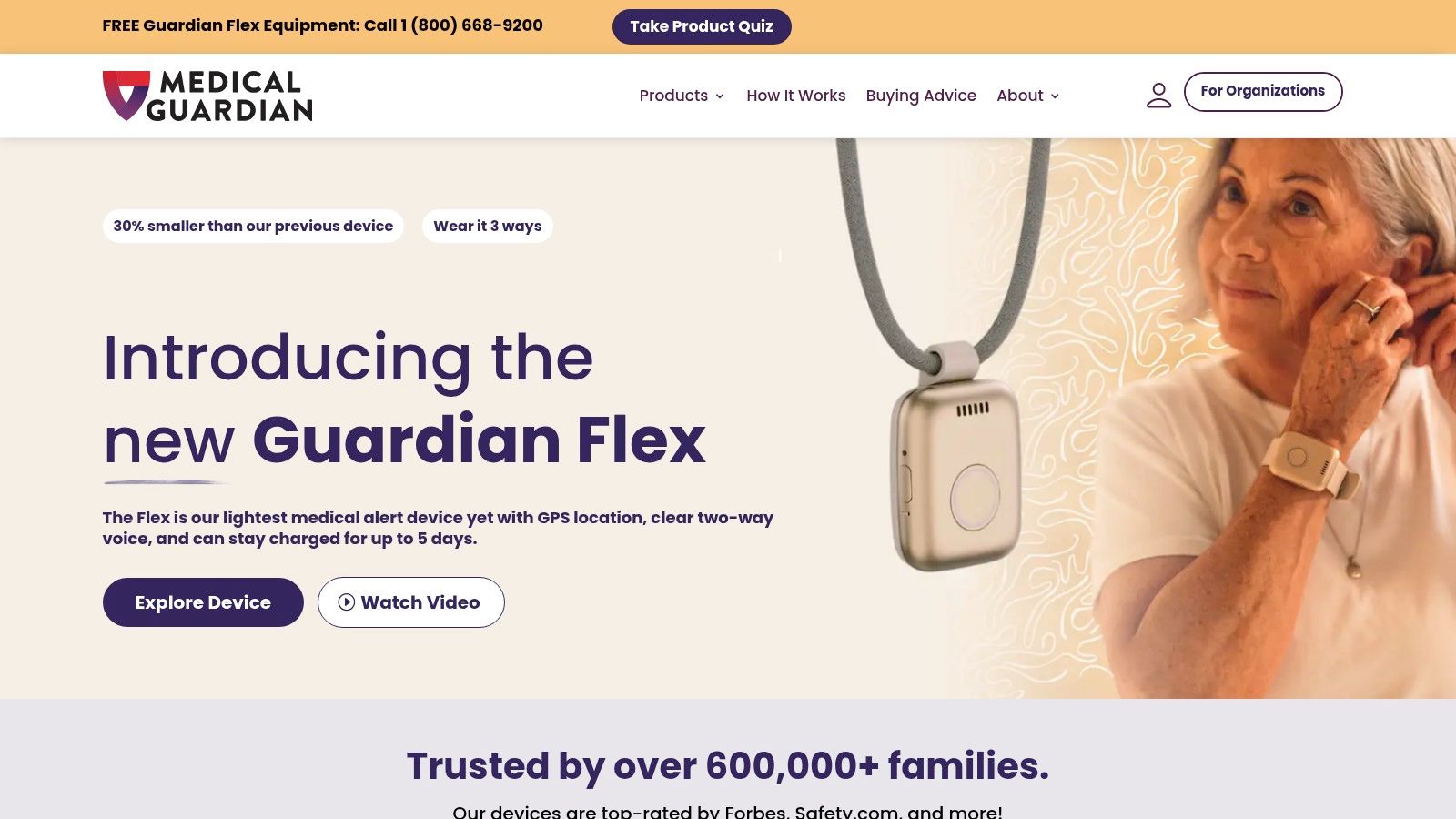
A clear way to call for help at home or while out walking is the main appeal of Medical Guardian. The CDC data on older adult falls reports that more than 14 million U.S. adults aged 65 and older, approximately 1 in 4, report falling each year. For families weighing options, that makes it useful to consider both support at home and coverage during everyday outings.
Published pricing starts at $34.95 per month for MGHome and $39.95 for Guardian Flex. Costs vary by device, billing schedule, and add-ons. Pendants, wrist-worn devices, and a smartwatch-style option give you different ways to wear the system, but comfort matters only if the device becomes part of a daily routine. A plain-language guide to a personal emergency response system explains how the button, monitoring center, and contacts fit together.
Features and trade-offs
- At-home choice: Landline or cellular connections are available, and some in-home models list a range of up to 1,400 feet.
- On the go: Mobile devices offer GPS and two-way communication for walks, errands, and visits.
- Fall detection: Available on compatible devices, generally as an add-on, which can raise the monthly cost.
- Caregiver tools: App and portal features help family stay informed.
The range of device styles and connection types makes it easier to match a system to how someone spends the day. The trade-offs are cost and upkeep: mobile devices may cost more than basic at-home systems, equipment fees may apply, and devices need regular wearing and charging. Before choosing, check which features come with the selected device and which add to the bill. A comfortable format and manageable charging routine can make ongoing use easier.
3. Bay Alarm Medical
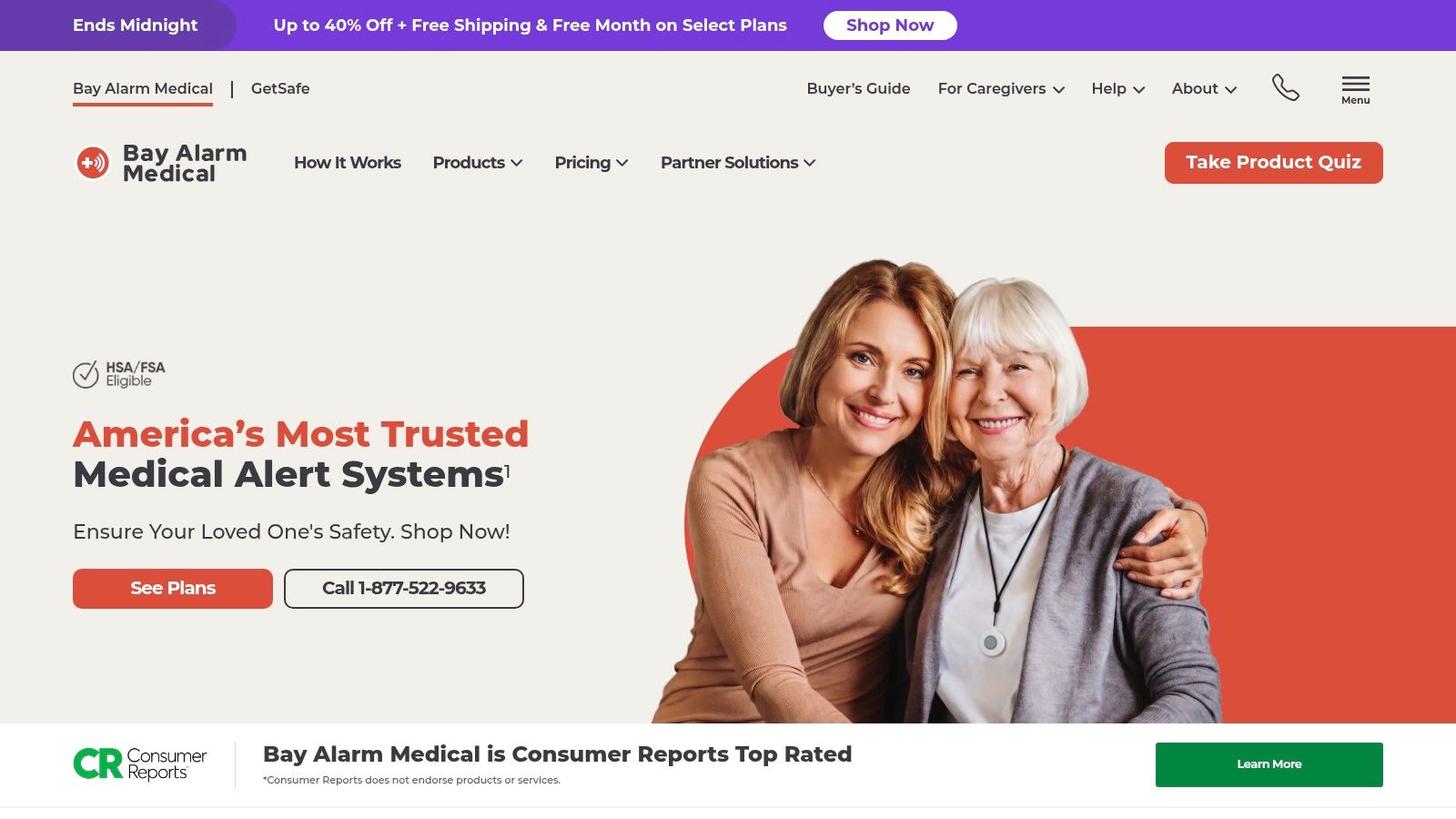
This section is based on published information from Bay Alarm Medical, along with independent testing context. Response time is worth your attention when you compare providers, and independent testing summarized by Consumers' Checkbook found that tested devices connected to call centers in anywhere from under 30 seconds to more than one minute on average, with some waits longer than that. That's a practical reminder to ask how a company measures its answer times, not just whether it says help is fast.
Published plans start at $27.95 per month for a landline home system, and mobile pricing and equipment fees vary by device. The lineup covers home systems, mobile GPS devices, and a medical alert smartwatch, so you can match the format to how you spend your day. Someone who is mostly home may be happy with a base station, while someone who walks the neighborhood daily may prefer GPS coverage away from home.
What families tend to like
The caregiver tracking app stands out for families. On compatible devices, loved ones can check a mobile user's location and battery status, which can take the worry out of a solo trip to the store. Fall detection is available on select systems, and two-way voice lets you speak with the monitoring center through the device.
There are clear limits to note. Some mobile devices require an upfront equipment purchase, fall detection isn't included with every plan, and a smartwatch's battery life and charging routine may not suit everyone. If you already wear a watch every day, that routine may feel natural. If you don't, a pendant or a home system with less charging may be the calmer choice.
4. MobileHelp
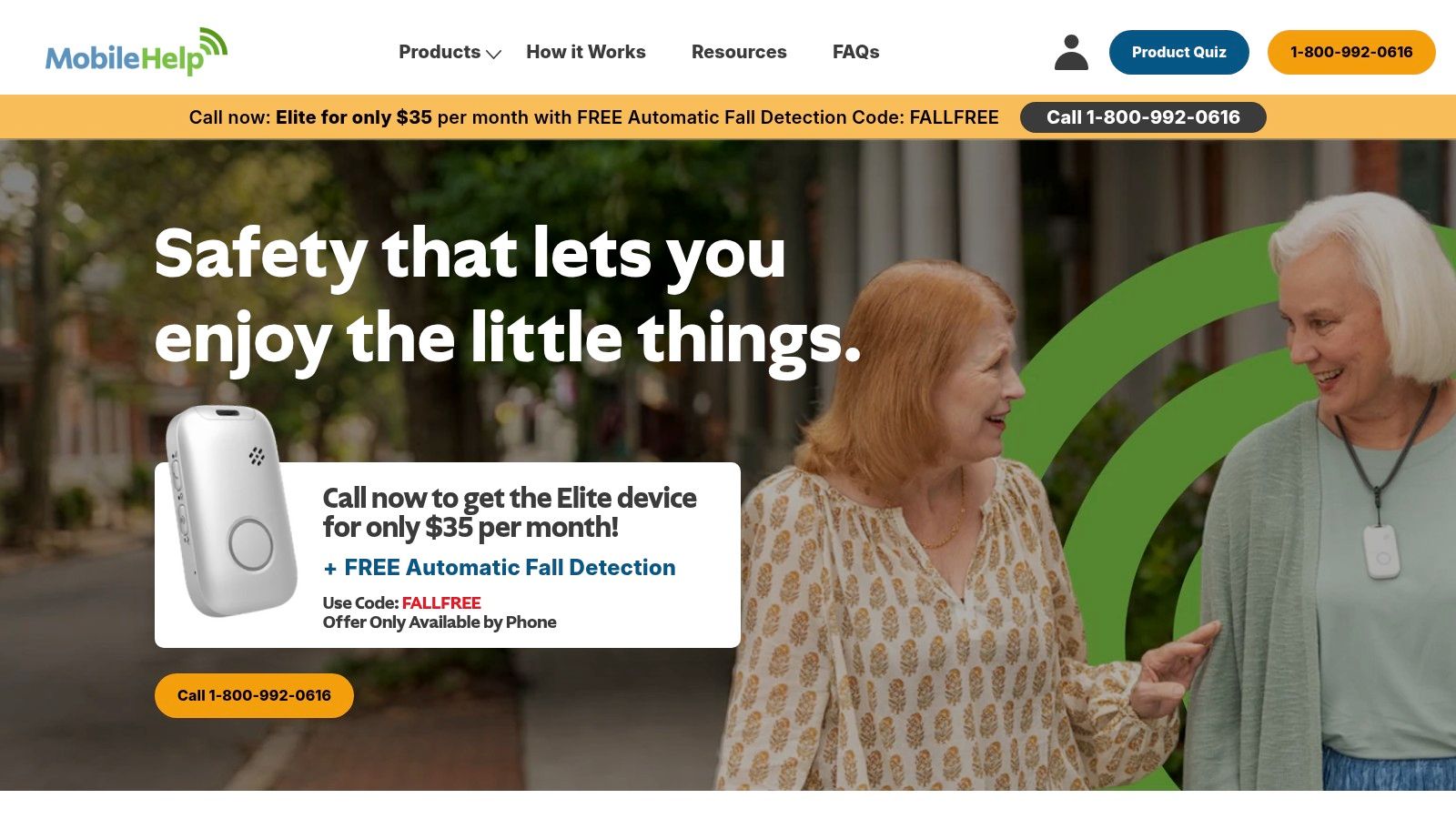
MobileHelp offers monitored home systems and mobile GPS options. Its published plans include a home option at $29.95 per month and a mobile option at $37.95 per month. Those prices were listed without an equipment fee for the compared models, but check the current plan details before choosing, since the price alone does not tell you whether a device will suit your routine.
A U.S. News' senior safety and connectedness survey of 1,000 adults aged 60–92 found that 88% felt safer using a medical alert device and 82% felt more independent. An alert system can offer reassurance, but the right fit depends on where you spend your time and whether you will wear the device consistently.
Where it fits and where it does not
- Good value at home: Cellular or landline home systems include two-way communication with the monitoring center. This can suit someone who spends most of the day at home and wants a direct way to call for help.
- Simple app support: User and caregiver app features provide basic connection, though the comparison does not describe a broader set of family tools.
- Wearability concern: The comparison describes mobile units as bulky, a practical drawback if you want a device that feels unobtrusive while out alone.
- Feature gaps: The home landline system does not support fall detection, and the comparison lists no smartwatch option. Check which device and plan include the features you need.
If automatic fall detection is part of your decision, this guide to fall detection for elderly adults explains how the feature is commonly described. MobileHelp may fit someone who wants monitored support at home and does not need a watch-style wearable. For frequent outings, consider whether the mobile unit's size is something you would be comfortable wearing.
5. Aloe Care Health
This section draws on published details from Aloe Care Health about its devices, app, and plans. It also reflects a wider shift toward connected homes, since AARP's technology research reported that home-safety-device ownership rose from 19% in 2024 to 34% in 2025 among adults age 50 and older. An alert button is no longer the only tool families consider.
Aloe Care combines a hub and wearable help button with a caregiver app, and on applicable plans, home sensors. Voice-activated help on compatible setups means you can call for assistance without reaching for a button. Some plans also offer motion notifications and environmental information such as temperature and air quality, which gives family more context about daily life at home.
Published plans range from $39.99 to $59.99 per month, with hardware charges listed separately. Caregiver collaboration is central here. The app can send alerts and let a loved one call the hub, and some plans provide both at-home and on-the-go coverage with a mobile companion option.
Trade-offs to weigh calmly
Practical rule: More sensors only help if the information is easy to understand and someone is happy to check it.
Hardware charges are substantial compared with simple button-and-monitoring plans, so add the full first-year cost before you decide. Sensors and app features may also be more than some users need, especially if you prefer one small device and a quiet routine. This option suits families who want home context and shared updates, and who are comfortable using an app together. It's not a substitute for clinical monitoring or emergency services.
6. LifeFone
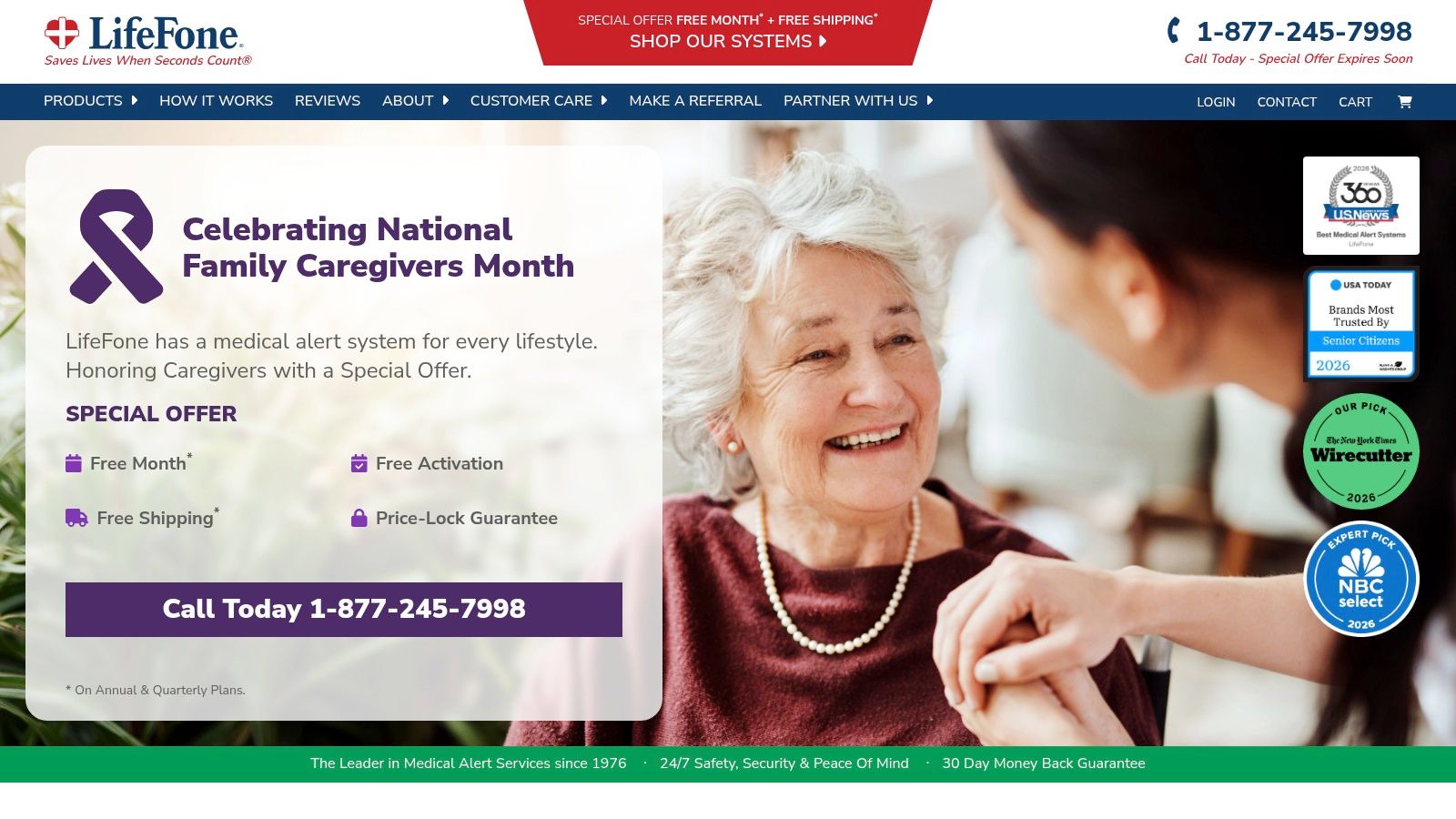
Information in this section comes from LifeFone and its published order page pricing. Accessibility matters as much as features, and a 2025 systematic review in JMIR Aging found that adoption barriers include limited digital confidence, physical and cognitive challenges, poor internet access, high costs, usability problems, privacy concerns, and lack of integrated technical support. A system with several simple configurations can help you pick the level of technology that feels comfortable.
Annual-billing equivalents start at $24.95 per month for an at-home landline plan, $30.95 for at-home cellular, and $37.95 for some mobile plans. If you're unsure which connection fits your home, this comparison of home phone vs cell phone habits is a helpful place to think through what you already use and trust. LifeFone advertises a lifetime price guarantee and no equipment or activation fees, which makes long-term budgeting easier to picture.
Options for different routines
- At home or away: Landline and cellular home systems, plus mobile devices for people who go out regularly.
- Daily connection: Optional daily reminder calls and activity check-in services can support positive routines.
- Longer battery: Up to 18 days of battery life is listed for the VIPx2 mobile model.
- Optional extras: Fall detection, GPS, and caregiver app features are available on select devices, and some may cost extra.
The range is a strength and a small burden at the same time. You'll likely find a configuration that matches your day, but comparing models, billing terms, and add-on prices takes a little patience. Write down the exact monthly total for the setup you'd use before you order.
7. Lifeline
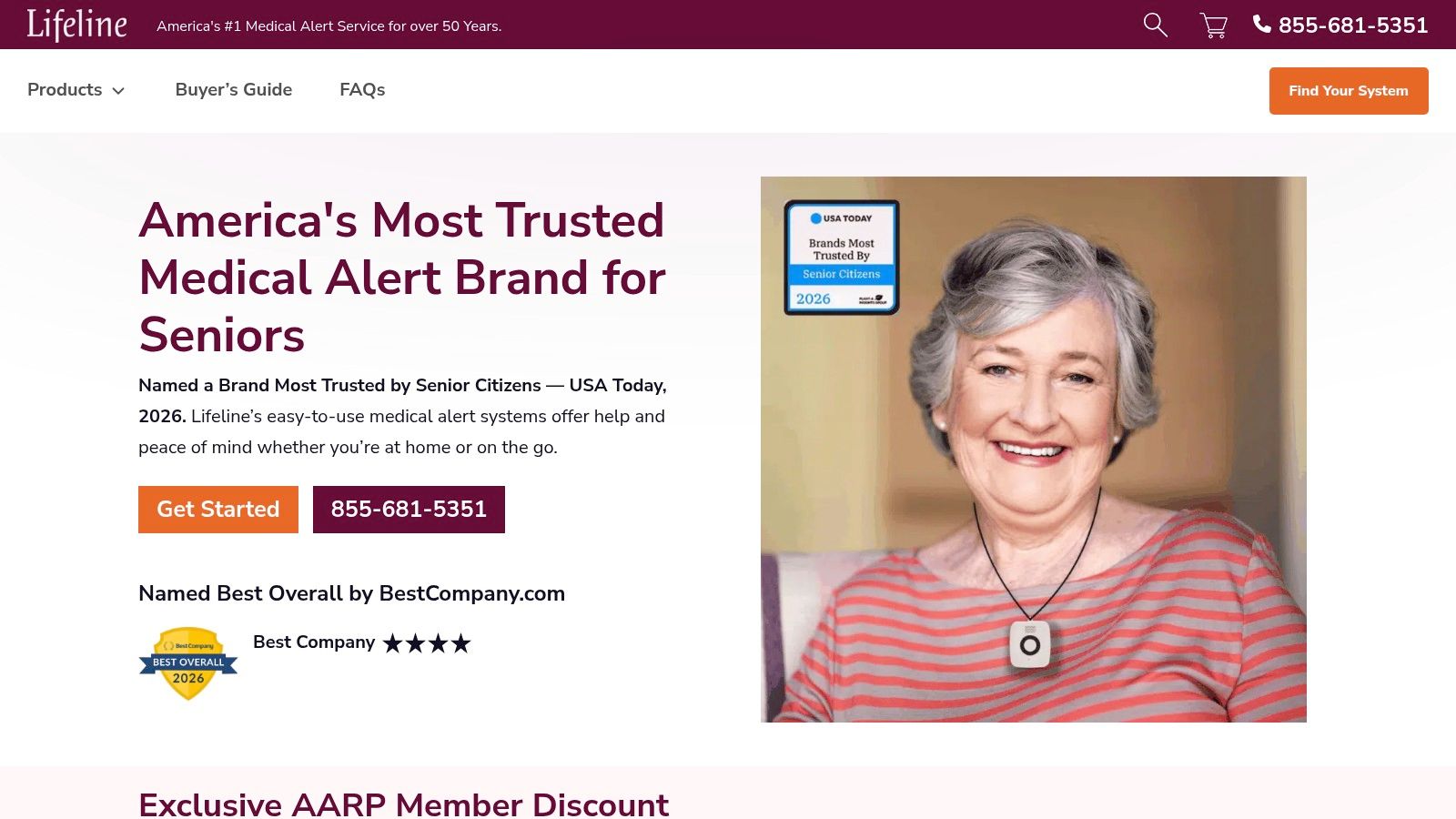
This final entry is based on published information from Lifeline about its HomeSafe and On the Go systems. Interest in this kind of support is broad, and AARP's 2025 technology research found that 46% of adults age 50-plus already use safety devices and another 40% are interested. The same research notes privacy as a common barrier, so it's sensible to ask who can see location updates and how you can change sharing settings.
Lifeline says plans start at $34.95 per month overall, while its On the Go page lists pricing from $39.95 per month with an annual plan. HomeSafe covers you at home, and the On the Go mobile device adds GPS and two-way voice for time outside. Optional fall detection is available on compatible devices.
What to confirm before you buy
Some health-plan members may qualify for coverage or discounts, but eligibility has to be confirmed with the insurer, so don't count that savings until you've checked. Mobile coverage is designed to work outside the home where cellular service is available, and the On the Go device requires adequate cellular coverage and uses AT&T. If service is spotty where you walk or shop, ask about that first.
Regular charging is part of mobile use, and add-ons and billing choices affect the final cost. Lifeline suits people who want an established provider with both home and mobile configurations, and who may have a health-plan path to lower pricing. As with every option here, the best fit is the one you'll wear, charge, and feel comfortable using when you need it.
How the seven senior alert systems compare on price, device formats, and fall detection
Starting prices and device options differ, and fall detection may be included or offered as an add-on. Use the table to compare the published details, then check with each provider about the features and costs that apply to your setup.
| Item | Published Starting Price | Device Formats | Fall Detection |
|---|---|---|---|
| rx360 Homepage | Not listed | Medication reminders, fall tracking alerts and calls, location tracking | Fall tracking alerts and calls |
| Medical Guardian | From $34.95/month | At-home, mobile, pendant, wrist-worn, smartwatch-style | Available on compatible devices, generally as an add-on |
| Bay Alarm Medical | From $27.95/month | At-home, mobile GPS, smartwatch | Available on select systems |
| MobileHelp | From $29.95/month | At-home, mobile GPS | Not available on the home landline system |
| Aloe Care Health | $39.99–$59.99/month; hardware charged separately | Hub, wearable help button, mobile companion | Not specified |
| LifeFone | From $24.95/month with annual billing | At-home, mobile | Optional on compatible plans |
| Lifeline | From $34.95/month; mobile from $39.95/month with annual plan | At-home, mobile GPS | Optional on compatible devices |
Rx360 is a wellness platform, not a life-safety or emergency notification system. Its pilot services include medication reminders, fall tracking alerts and calls, and location tracking. Those functions can help keep family in the loop, but do not replace emergency services or caregiver supervision.
Prices, compatible devices, and add-on availability vary across providers. Confirm the full cost and which features are included before choosing, especially if you need fall detection or coverage beyond the home.
Finding Your Fit Without Feeling Rushed
Start with your daily routine, not with a feature list. Do you mostly stay home, or do you head out for walks, errands, and visits with friends? AARP's 2025 aging in place research reported that 95% of Americans age 55 and older regard aging in place as an important goal, while only 9% reported using a medical alert system. There's no single right answer, just a fit that supports the life you already enjoy.
Next, list the features you'd use. That might be fall detection, caregiver app access, GPS for solo outings, or a wearable you can comfortably charge alongside your morning coffee. Also think about the simple, human details. Can you see and press the button easily, hear the speaker clearly, and remember the charging spot without stress? A device that matches your eyes, ears, hands, and habits will serve you better than the most advanced option on paper.
Choose for an ordinary Tuesday, not for a perfect day. If it fits your real routine, you'll keep using it.
Ask each provider for the full monthly cost, including equipment, activation, and add-on fees, and confirm whether any health-plan discount applies to you. Ask who installs it, who receives alerts first, and whether you can pause location sharing while keeping emergency protection. Those questions protect both your independence and your privacy, and a good provider will answer them plainly.
Keep your existing emergency plan in place, too. SMS and app alerts can be delayed or may not arrive, and no alert system replaces emergency services or the people who know you well. You can also pair any choice with everyday habits you enjoy, such as gentle movement, balance-friendly activities, regular social time, and a calm evening routine that supports restful sleep. The CDC describes social connectedness for older adults as the degree to which people feel that they belong and are supported and valued in relationships with others, and that feeling is part of what these systems are meant to protect.
Take your time, involve family if you'd like, and test how each option would feel during a normal week. A few calm, practical steps now can help you choose support that fits your home, your budget, and your independence for years to come.
If you'd like support that brings health insights, smart technology, and connected care together while you keep living life your way, take a look at what Rx360 offers for independent older adults and the people who love them. You'll find a calm, discreet approach to staying connected at home and on the go, without giving up the routines that make each day yours.
Lower-Risk Medication Plan Checklist
Below is a practical checklist and step plan you can implement into your daily life:
-
List all medications
Include prescriptions, over-the-counter drugs, supplements, sleep aids, creams, patches, eye drops, and inhalers.
-
Mark fall-risk drugs
Flag medicines that cause dizziness, sleepiness, confusion, blurred vision, low blood pressure, or low blood sugar.
-
Ask for a medication review
Bring the list to a pharmacist or prescriber.
-
Review after any warning sign
Request a new medication check after a fall, near-fall, new prescription, dose change, dizziness, or confusion.