You've just gotten dressed, and the day ahead includes breakfast, a walk, and perhaps a call with family. You clip a small device onto your finger, watch a percentage appear, and wonder what that number tells you before getting on with your morning.
Learning how to monitor oxygen saturation starts with understanding the display, not judging it. A fingertip reading can become a repeatable home observation, with a little context in a notebook or phone note, rather than a verdict about your health.
Table of Contents
- What a Home Saturation Number Really Shows
- How to Take a Fingertip Reading
- Signals That Can Throw a Reading Off
- A Simple Log That Fits Daily Life
- Sharing Readings While You Stay in Charge
- Start a One-Week Observation Routine
What a Home Saturation Number Really Shows
The FDA's pulse-oximeter information describes pulse oximetry as a noninvasive way to estimate arterial oxygen saturation, commonly displayed as SpO2. It isn't an exact blood measurement. The device calculates an estimate without taking a blood sample.
Oxygen saturation describes the proportion of hemoglobin carrying oxygen. Hemoglobin is the oxygen-carrying protein in red blood cells. The percentage on the screen represents the device's estimate of that proportion, not a complete picture of how someone is feeling or functioning.
Displayed Saturation and the Estimate Behind It
The FDA materials report the following relationships and accuracy bands. The prescription-device figures apply to recently cleared prescription devices, not automatically to every consumer product sold for wellness use.
| Displayed or accuracy item | What FDA materials report | How to read it |
|---|---|---|
| Displayed 90% | Arterial saturation about 87%–93% | An estimate, not an exact blood result |
| Displayed 80% | Arterial saturation about 75%–85% | The gap between display and blood result can be wider |
| Readings within 2–3 points | About 66% of readings on recently cleared prescription devices | Typical stated accuracy band versus blood gas |
| Readings within 4–6 points | About 95% of those readings | Most readings cluster here, not all of them |
| Readings below 80% | Least accurate part of the range | Accuracy generally worsens as true oxygenation falls |
The table moves from displayed values to the accuracy of groups of readings. Those are different ideas: an example range illustrates uncertainty around a display, while an accuracy band describes disagreement with arterial blood-gas measurements across readings.
Percentage points describe the gap between saturation percentages. They aren't a separate oxygen measurement, and the table isn't a formula for correcting your screen.
Reading the display: A clear digital number can still have measurement uncertainty behind it.
Oxygen saturation also sits alongside other observations, rather than replacing them. A broader introduction to vital signs in older adults provides context for that distinction.
Repeated readings and changes over time are the observation, rather than an isolated percentage. Even a normal-looking number remains an estimate and doesn't, by itself, exclude illness.
How to Take a Fingertip Reading
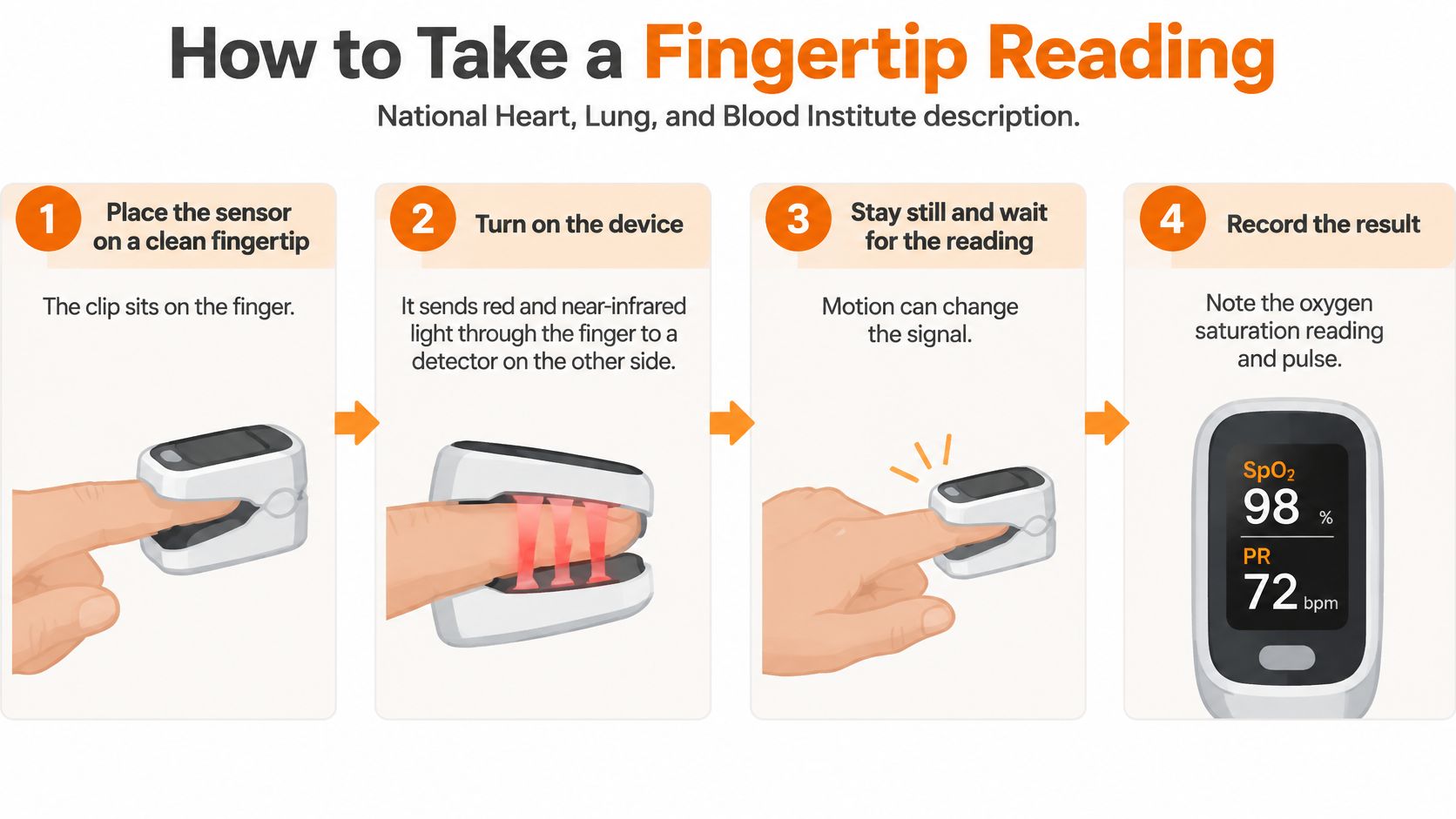
The National Heart, Lung, and Blood Institute's description of pulse oximeters explains that the device sends red and near-infrared light through tissue to a detector on the opposite side. Oxygenated and deoxygenated blood absorb those wavelengths differently, allowing the device to calculate an estimated saturation percentage.
The device also needs to detect pulsating blood flow. That's why the position of the finger matters: the clip isn't photographing the nail or measuring the color of the skin.
A Repeatable Setup
The following sequence describes device setup and recordkeeping, not a medical monitoring schedule. The device's own directions remain relevant because controls, finger placement, and display symbols can differ.
Sit comfortably with your hand supported. A table or armrest gives the hand somewhere to rest without hovering. Using the same hand when practical keeps that part of the setup consistent.
Warm the hand if the fingertip feels cold. A cold measurement site is a known source of interference. The purpose is a suitable measurement setup, not changing the percentage.
Remove nail polish or an artificial nail when practical. Nail products can interfere with the light passing through the selected site. A clear path helps the sensor perform its intended measurement.
Seat the finger fully in the clip. Position it according to the device directions, with the light source and detector opposite each other. Turn the device on if it doesn't start automatically, and keep the supported hand still.
Wait for a steady display. The saturation percentage and pulse display may move while the device acquires its signal. A settled display is the observation to record, rather than whichever figure appears first.
Write down the time, context, and both readings. Label saturation and pulse separately so they won't be confused later. Note whether the observation was taken at rest or after an activity.
For an unexpected first result, reset the finger and repeat once. This is a setup check rather than a reason to keep measuring until a preferred result appears. It isn't a substitute for someone's existing personal monitoring plan.
What Counts as a Completed Observation
A completed entry contains a stable pair of displayed numbers, a timestamp, and a short context note. “After a walk” or “before sleep” describes the circumstances without interpreting the result.
The saturation display and pulse display aren't interchangeable. Writing their labels beside the values keeps a handwritten notebook readable for the person using it and anyone they later choose to show.
The endpoint is a recorded observation. It doesn't require keeping the clip on while reading, watching television, or waiting for a different percentage.
Signals That Can Throw a Reading Off
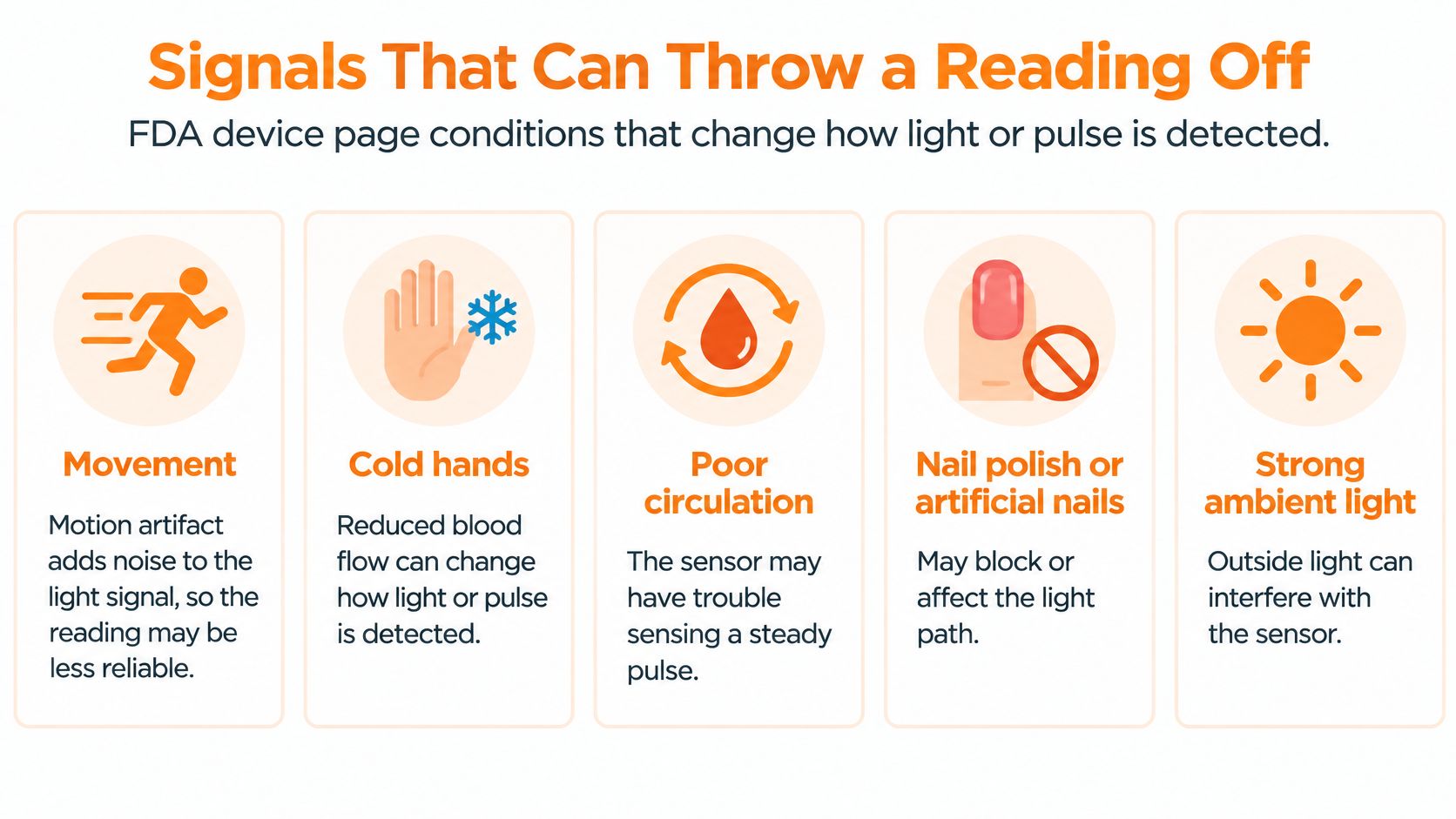
The FDA's device safety information lists physical conditions that can affect pulse-oximeter performance, including circulation, skin temperature, skin thickness, skin pigmentation, tobacco use, and nail products. These are measurement factors, not descriptions of the oxygen level itself.
Movement can create motion artifact. In plain language, movement adds noise to the light signal, so the percentage can jump even without a change in the person's activity.
Measurement Factors That Can Change a Pulse-Oximeter Signal
| Factor | What sources say it affects | Related setup fact |
|---|---|---|
| Movement | Creates motion artifact that interferes with the light signal | A still hand is part of getting a stable display |
| Poor circulation | Can weaken the pulse signal the probe needs | The sensor depends on detecting pulsating flow |
| Cold skin or skin temperature | Listed among conditions that affect readings | Warming the hand is described before measuring |
| Skin thickness | Changes the tissue the light passes through | A measurement factor, not the oxygen level itself |
| Skin pigmentation | Listed by the FDA as a factor that can affect performance | Accuracy differences remain a stated device issue |
| Tobacco use | Listed among conditions that can affect performance | A measurement factor, separate from one isolated number |
| Nail polish or artificial nails | Can alter how light passes through the site | Removing them when possible is described before measuring |
Some of these conditions are temporary parts of the setup. Others are characteristics of the measurement site or factors that a person cannot remove before taking a reading.
That distinction matters. Listing skin pigmentation as a performance factor describes a limitation of the technology, not something the person has done incorrectly. Likewise, the FDA's inclusion of tobacco use doesn't provide a way to calculate a correction to an individual display.
A Chilly-Room Example
Say someone comes indoors after a cool morning and takes a reading while their fingers still feel cold. The hand is also moving as they reach for a notebook, and the display hasn't settled.
That observation contains identifiable setup differences. Warming the hand and waiting for a steady display are documented preparation steps; neither establishes what the earlier percentage meant.
A measurement condition can explain why a reading deserves a setup check. It can't prove why a particular percentage appeared.
A repeat observation has a clear purpose when the signal was moving or the setup included an avoidable interference. The record can describe that circumstance without labeling the percentage as an illness, a recovery, or a device failure.
A Simple Log That Fits Daily Life
The NHS home-oximetry pathway illustrates how timestamped readings, activity context, and shared records support organized monitoring. Its clinical pathway isn't a universal wellness schedule; the example below is a recordkeeping scenario, not a prescribed frequency.
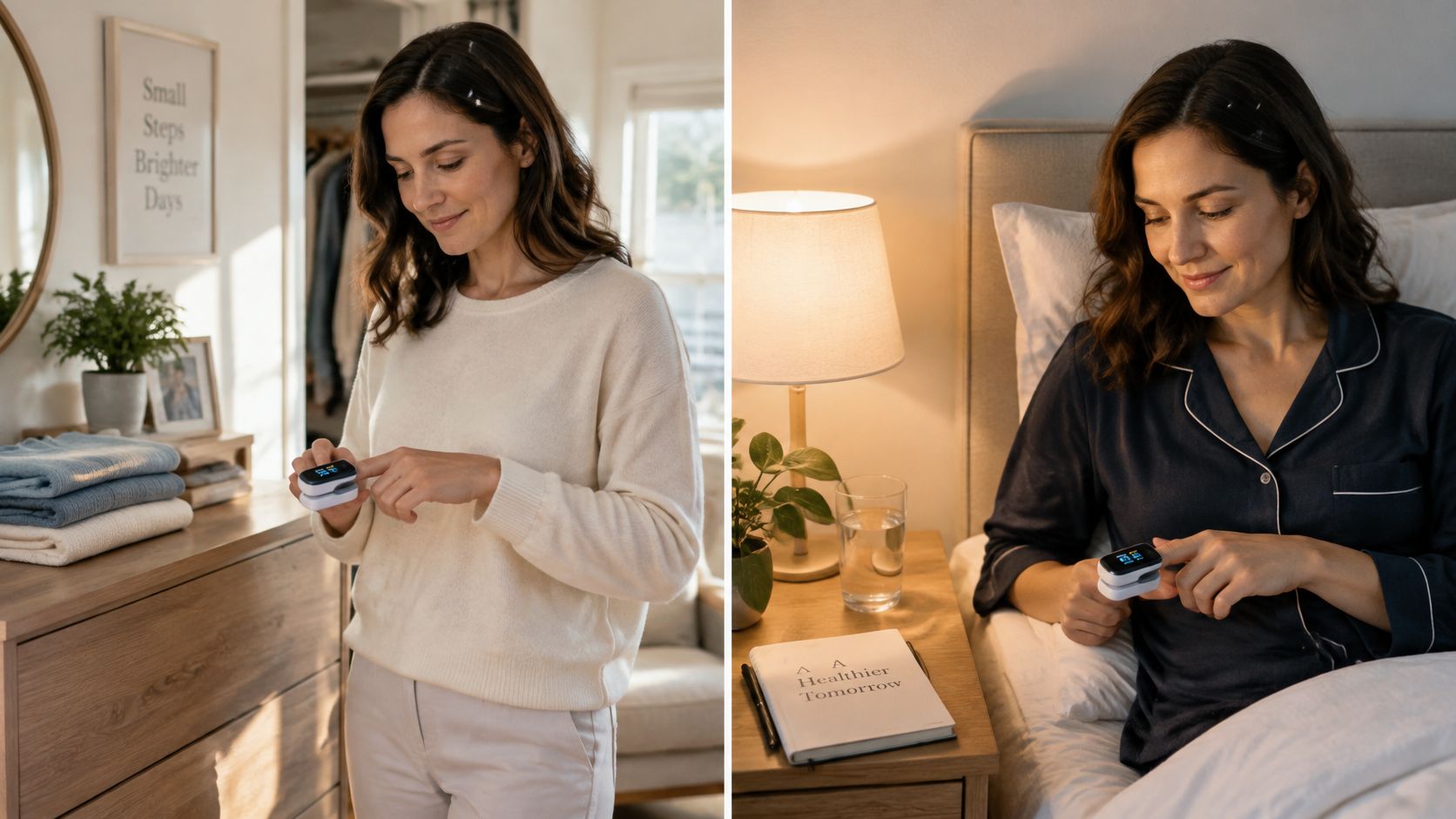
For someone who already uses a fingertip device, familiar daily anchors can make the notebook easier to maintain. After getting dressed and before an evening wind-down are examples, not required measurement times. An activity-related entry, such as after a walk or stairs, can be labeled separately rather than mixed into resting entries without explanation.
A Sample Week Without Invented Readings
Say an independent adult walks with a neighbor on Monday, Wednesday, and Friday mornings. Their notebook has columns for date and time, saturation, pulse, and context.
The sample below shows how those entries could be organized. “Copy display” marks where the person's actual reading belongs; it isn't a suggested value or target.
| Date and time | Saturation | Pulse | Context |
|---|---|---|---|
| Monday, morning timestamp | Copy display | Copy display | Rested after getting dressed |
| Monday, after-walk timestamp | Copy display | Copy display | Stroll with neighbor |
| Tuesday, evening timestamp | Copy display | Copy display | Before wind-down |
| Wednesday, after-walk timestamp | Copy display | Copy display | Neighbor walk |
| Thursday, morning timestamp | Copy display | Copy display | Seated before breakfast |
| Friday, after-walk timestamp | Copy display | Copy display | Walk and conversation |
| Saturday, evening timestamp | Copy display | Copy display | Quiet evening |
| Sunday, morning timestamp | Copy display | Copy display | Rested at home |
The activity notes make the days recognizable without judging the readings. They also distinguish a seated observation from one taken after moving around.
Keeping the Record Manageable
In this example, an unusual initial display and its setup-check repeat remain together in the log. A short note, such as “finger reset,” preserves what happened instead of erasing the first result or filling the page with continuous checks.
Same hand, same times, one note about what you were doing.
The person keeps the notebook beside a reading chair, or a phone note in an easy-to-find folder. They run the routine and decide when to share it. The record stays a small part of daily life alongside walks, meals, conversations, and rest.
Sharing Readings While You Stay in Charge
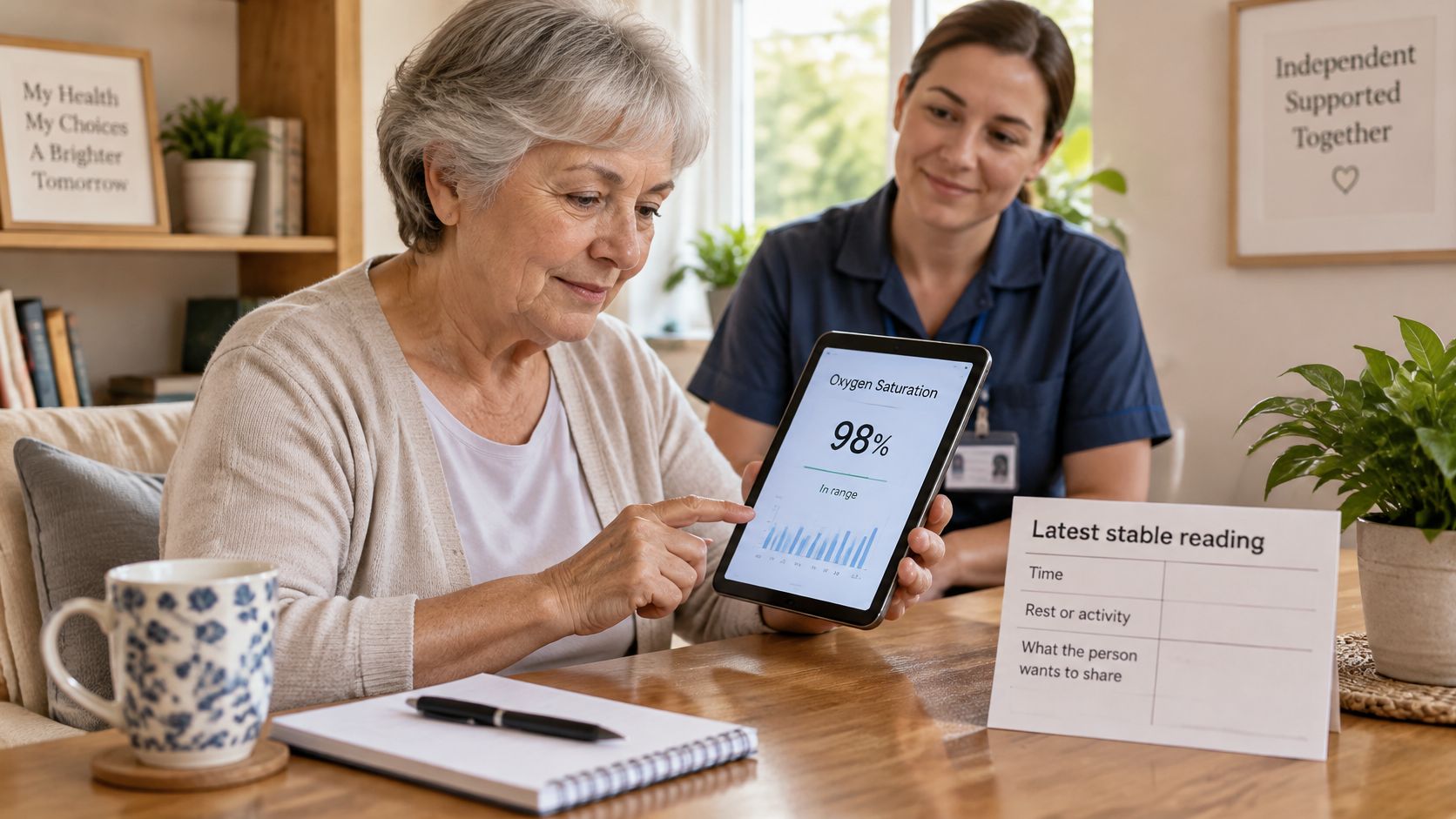
Connected health solutions describe ways to bring home observations into a shared conversation. For an older adult living independently, sharing can remain a task they direct rather than something family members take over.
A useful update contains enough context to be understandable. It doesn't need to become a detailed report about every part of the day.
- Latest stable observation: Include the saturation and pulse as separately labeled readings.
- Time recorded: Keep the timestamp attached to the entry.
- Rest or activity: Preserve the note about sitting, walking, or another activity.
- Personal context: Add whatever the person wants others to know, such as enjoying a good walk or having a quiet afternoon.
Different Ways to Stay Connected
A photo of a paper notebook can go to a chosen family member. It preserves the person's familiar handwriting and doesn't require moving the whole routine into an app.
A shared note gives selected people a common place to read updates. A connected-care view offers another format, with information available for review without a call after every check.
Rx360 is an example of that third option: a wellness platform for independent older adults that brings Health Insights, Smart Technology, and Connected Care together, with timely updates for loved ones and room for clinicians to remain part of the conversation. It sits alongside paper and shared-note approaches rather than making them obsolete.
A Family Call With Context
Say an adult child lives in another city and reviews the week's log before a regular call. The notes mention neighbor walks, an evening book, and a restful night, giving them ordinary things to ask about instead of focusing only on a percentage.
If operating the device or entering information becomes difficult, a helper can handle the clip or transcription while the person at home still chooses what gets shared. Assistance with the task doesn't have to mean taking control of the record.
Sharing boundary: The person whose day is being recorded remains part of deciding who sees it and when.
Device data is an observation to pass along, not a conclusion about health.
Start a One-Week Observation Routine
The FDA's pulse-oximeter basics treats displayed percentages as estimates and directs personal questions about readings and device use toward a clinician. A practice week can focus on learning the equipment and organizing notes, without establishing a medical checking schedule.
A Short Practice Plan
- Day one: Pick the finger, identify morning and evening anchors for the example routine, and choose where the log will live.
- Through the week: Use the fingertip setup, record saturation and pulse, and add a brief activity note. Keep setup-check repeats tied to an unstable or unexpected display rather than measuring continuously.
- At the week's end: Review whether the setup felt manageable and whether the notes make each day understandable. Decide whom, if anyone, to show the page.
Questions about increasing oxygen saturation are separate from learning how to record it; a notebook doesn't establish a need to change a reading. Optional connected sharing can also remain separate from the measurement itself.
A steady, self-run habit can sit beside walking, sleep, and time with other people, without becoming the center of the day.
Rx360 brings wellness insights, smart technology, and connected care together for independent older adults and the people they choose to involve. Visit Rx360 to explore an optional way to share home observations and family updates while keeping familiar daily routines your own.
Lower-Risk Medication Plan Checklist
Below is a practical checklist and step plan you can implement into your daily life:
-
List all medications
Include prescriptions, over-the-counter drugs, supplements, sleep aids, creams, patches, eye drops, and inhalers.
-
Mark fall-risk drugs
Flag medicines that cause dizziness, sleepiness, confusion, blurred vision, low blood pressure, or low blood sugar.
-
Ask for a medication review
Bring the list to a pharmacist or prescriber.
-
Review after any warning sign
Request a new medication check after a fall, near-fall, new prescription, dose change, dizziness, or confusion.